

Description
Download Word Spin: Word Games – Word Games, Crossword Puzzles, Picture Reveal, Brain Training
Overview
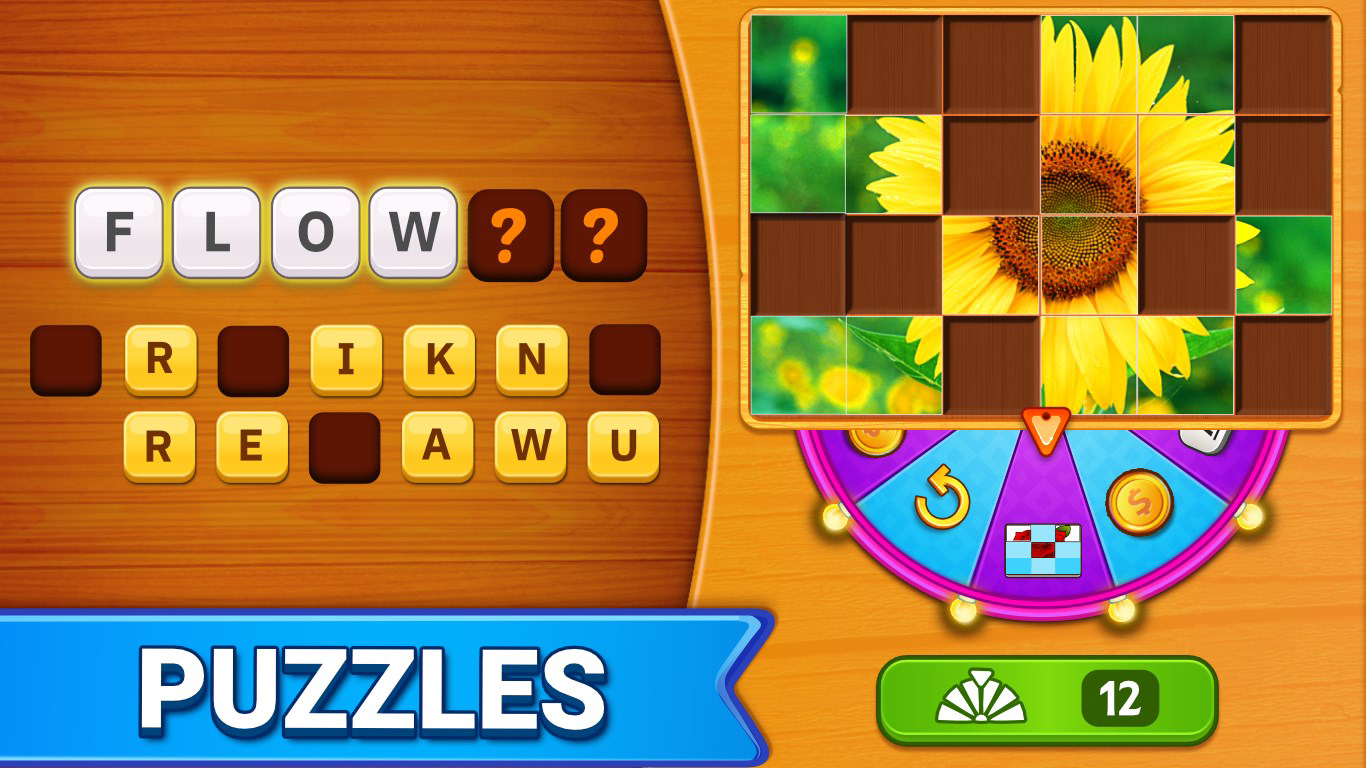
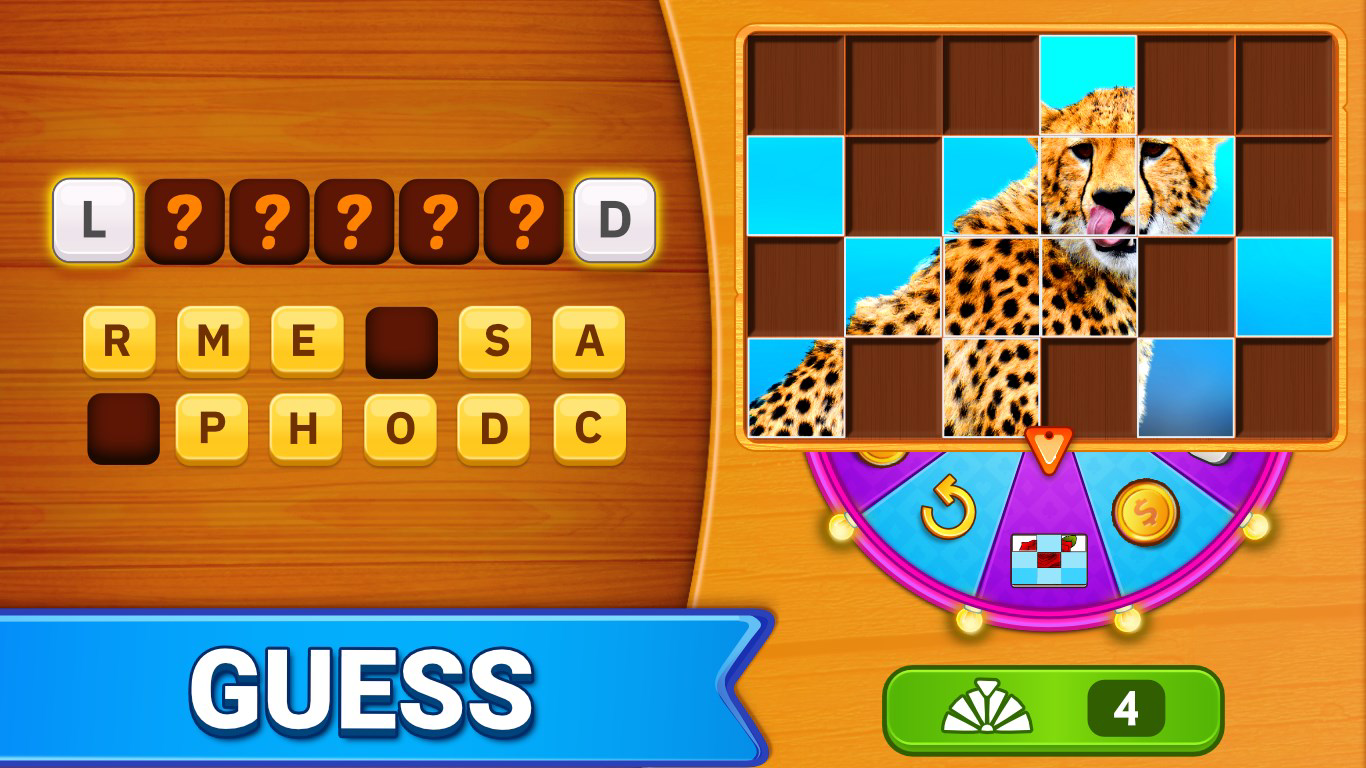
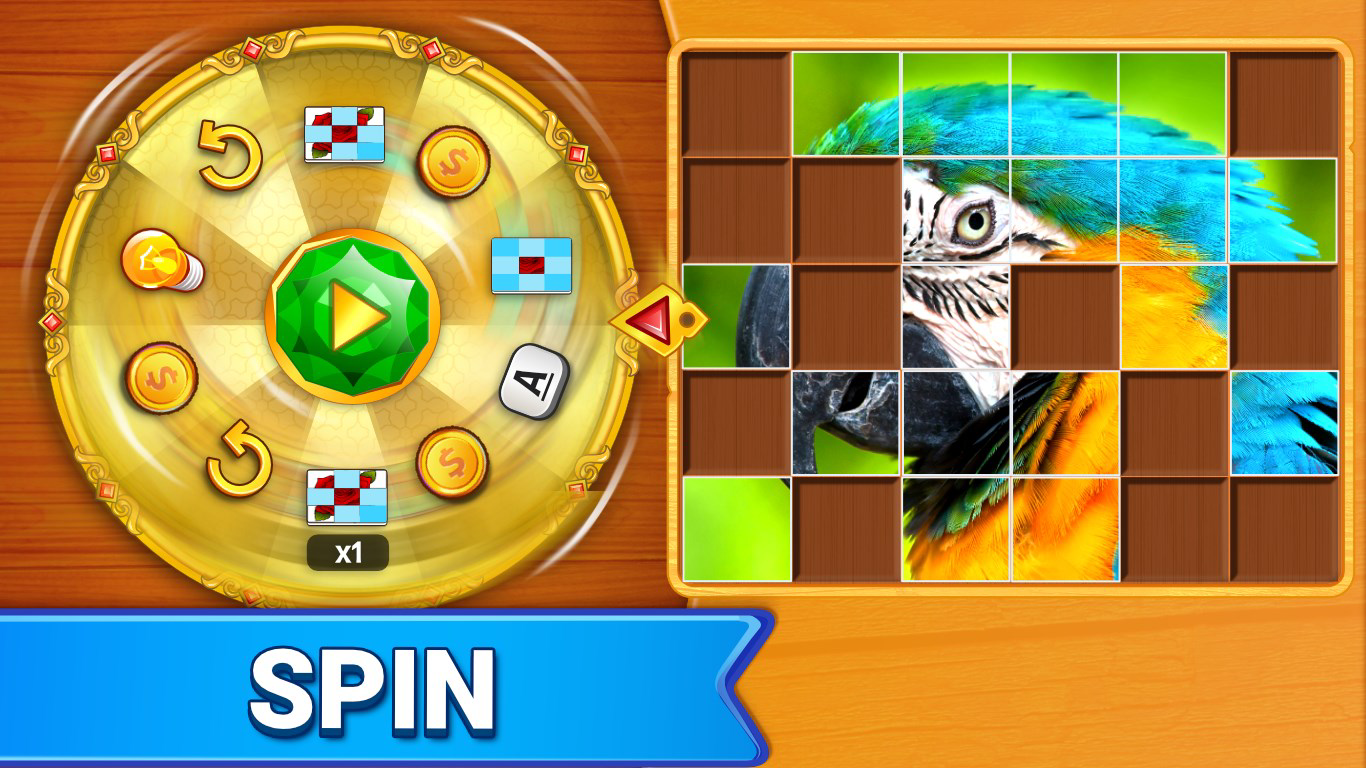
Word Spin: Word Games is a mobile puzzle application designed to merge the challenge of crossword puzzles with the visual intrigue of picture reveal mechanics. The game invites players to guess hidden words based on partially revealed images, using a spinning wheel to unlock clues. With over 1,000 puzzles across diverse categories, it offers a rich and evolving experience aimed at improving vocabulary, pattern recognition, and deductive reasoning. The app targets casual gamers, word enthusiasts, and individuals seeking mental stimulation through interactive gameplay. It serves as a digital tool for cognitive engagement, particularly beneficial for users who enjoy language-based challenges and want to pass time productively.
Developed by Word Spin Games, the app positions itself within the competitive mobile games ecosystem by offering a fresh twist on classic word puzzles. Real-world use cases include daily mental warm-ups, family game sessions, or solo entertainment during commutes. The integration of visual and auditory elements—such as image reveals and voice input—suggests a focus on accessibility and multi-sensory interaction. While specific details about the developer’s background were not provided, the app’s structured design and consistent feature set indicate a dedicated effort to deliver a polished experience. The game’s release in December 2021 marks its entry into a long-standing genre, contributing to the ongoing evolution of brain-training mobile apps.
Key Features & Functionality
- Diverse Puzzle Categories: Players can explore a wide range of topics, from animals and food to travel and technology. Each category presents unique image-based puzzles, ensuring that gameplay remains varied and engaging over time.
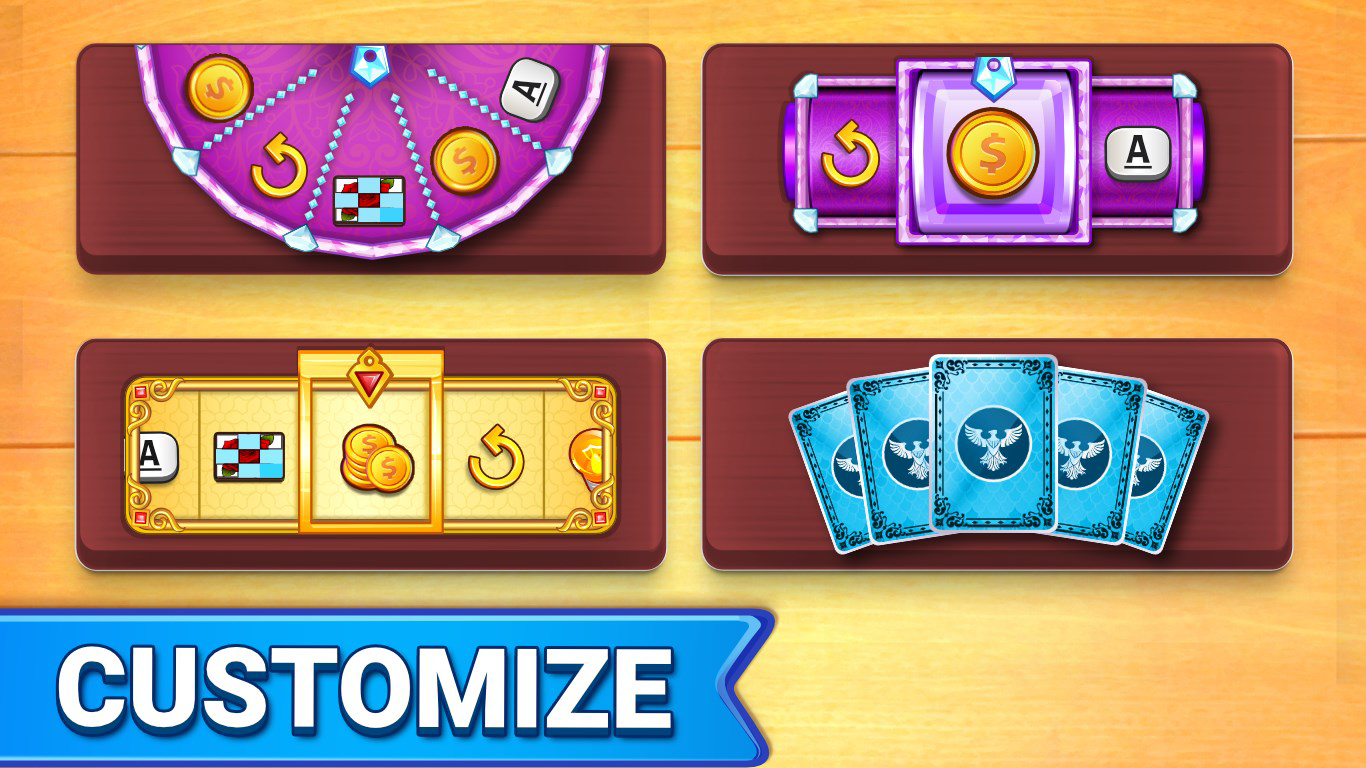
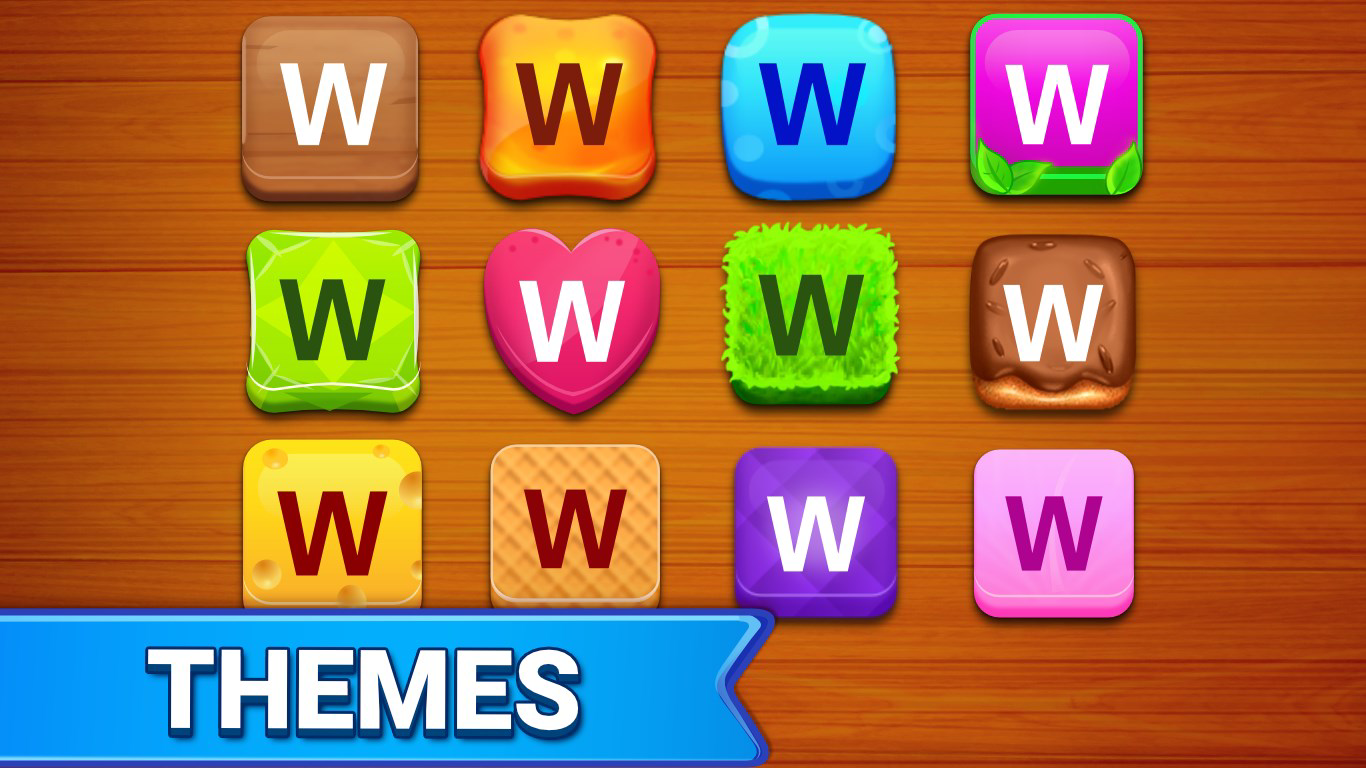
- Customization Options: Users can personalize their experience through adjustable themes and tile designs. This allows for a tailored visual environment, enhancing immersion and long-term enjoyment.
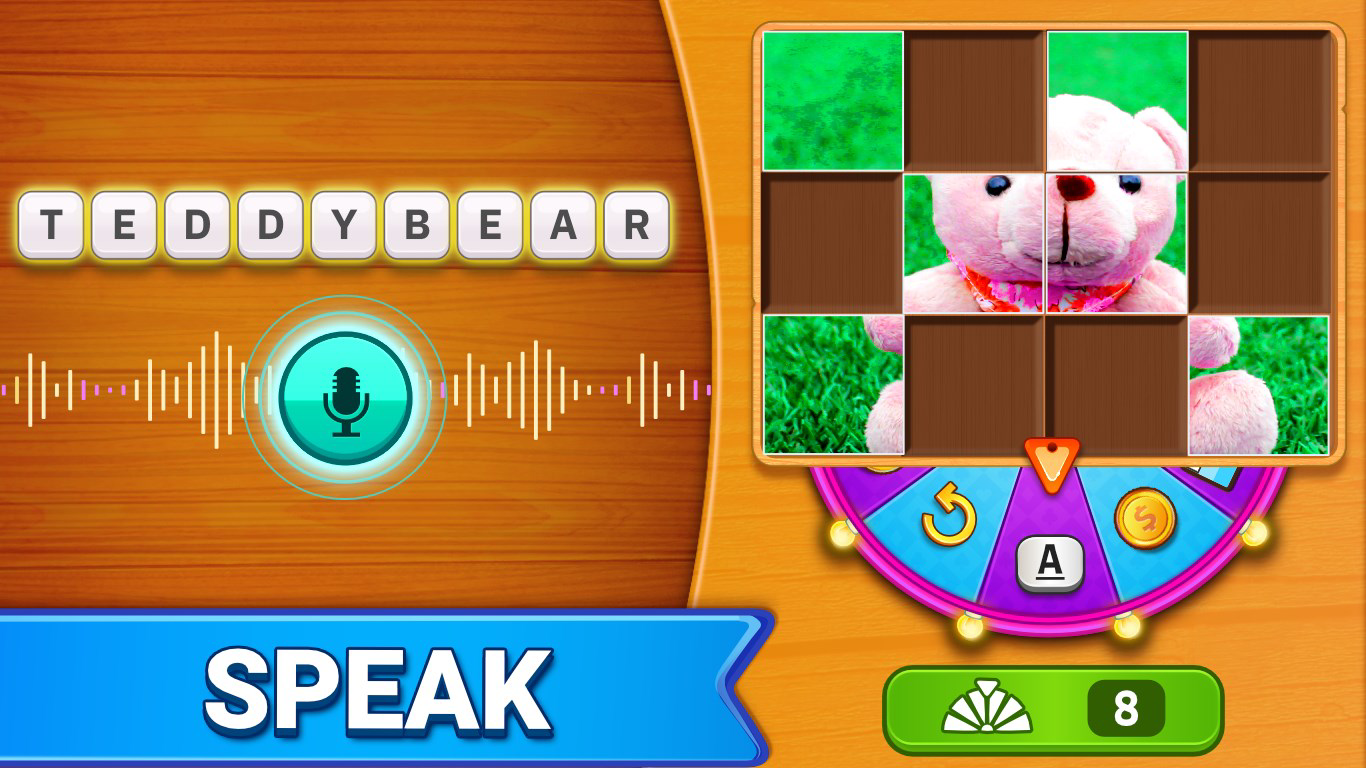
- Speak to Word Feature: Leveraging voice recognition, players can speak their answers aloud, adding a dynamic and interactive layer to traditional word guessing. This feature supports users with typing difficulties and adds a fun, social dimension to gameplay.
- Hints and Clues: When stuck, players can access in-game hints to guide their thinking. This support mechanism prevents frustration and maintains a balanced challenge level across different skill levels.
- Brain Training Focus: The game is structured to promote cognitive development by encouraging strategic thinking, rapid word association, and visual deduction. Regular play may help sharpen memory and language processing skills.
For example, a player might encounter a partially visible image of a tropical fruit, with only the top half of a pineapple revealed. By spinning the wheel and receiving incremental clues, they must deduce the correct word. The Speak to Word function allows them to test their answer verbally, making the process more immersive. This blend of visual, auditory, and cognitive engagement creates a multi-layered experience that appeals to both casual and dedicated puzzle fans.
Interface, UX & Performance
The user interface of Word Spin: Word Games appears to prioritize clarity and intuitive navigation. The layout centers around a central spinning wheel, with a dynamic image display area and input controls positioned for easy access. Visual design elements are likely optimized for readability, with clear typography and color contrasts to support quick decision-making. Navigation between categories, puzzle selection, and settings is expected to be straightforward, minimizing user friction.
Although the developer did not list formal performance metrics, the app’s 44MB file size suggests efficient resource usage, which typically correlates with smooth operation on mid-range and high-end Android devices. The interface responsiveness is likely consistent across various screen sizes, though specific compatibility details were not disclosed. Stability appears to be a design priority, given the inclusion of hints and a user-friendly input method. However, no information was provided about crash rates, load times, or background performance.
Overall, the UX strategy seems to focus on reducing cognitive load during gameplay. By streamlining the flow from puzzle start to solution, the app supports continuous engagement. The absence of intrusive ads or complex onboarding processes—common in free games—further enhances usability. Users can begin playing immediately, which is ideal for short sessions or quick mental breaks.
Platform Compatibility & Technical Requirements
Word Spin: Word Games is available exclusively on the Android platform. The current version is 1.0.1, with a file size of 44MB. This compact footprint indicates efficient coding and minimal bloat, making the app accessible even on devices with limited storage. The developer did not specify minimum OS requirements or device compatibility details, so users should ensure their Android system meets general app installation standards.
Given its release date of December 9, 2021, the app is likely compatible with Android 5.0 and above, which is standard for most modern Android devices. However, the developer did not confirm this explicitly. The app’s free pricing model makes it accessible to a broad audience, and no in-app purchases were mentioned in the provided data. Users should verify compatibility through their device’s app store before installation.
Pros and Cons
Pros
- Offers over 1,000 puzzles across varied categories, ensuring long-term replayability.
- Includes voice input functionality for a modern and inclusive gameplay experience.
- Customizable themes and tiles allow personalization and visual engagement.
- Integrated hints reduce frustration and support players of all skill levels.
- Designed with brain training in mind, promoting cognitive development and word skills.
Cons
- Specific technical requirements, such as minimum OS version, were not disclosed.
- Compatibility with older or low-end Android devices remains unconfirmed.
- Developer did not provide information on update frequency or future content plans.
- No details were given about data usage, battery impact, or background processes.
- Performance on different device types was not tested or reported.
FAQ
Is Word Spin: Word Games free to download and use?
Yes, the app is available at no cost. There is no mention of in-app purchases in the provided information, making it accessible to users seeking free entertainment.
Can I play Word Spin: Word Games offline?
The developer did not specify whether offline play is supported. While many puzzle games offer offline functionality, this feature was not confirmed in the provided data.
Does the app use voice recognition for input?
Yes, the app includes a "Speak to Word" feature that uses voice recognition to input answers. This allows players to speak their responses aloud during gameplay.
Is Word Spin: Word Games safe to install?
As a free Android app published by Word Spin Games, it is available through official app stores. Users should download it from trusted sources to ensure security. No malicious behavior was reported in the provided information.
How often are new puzzles added?
The developer did not provide details on update frequency or content additions. The current version includes over 1,000 puzzles, but future updates were not specified.
Final Thoughts
Word Spin: Word Games presents a compelling blend of visual puzzles, word challenges, and interactive features that cater to both casual players and dedicated word game enthusiasts. Its unique combination of image reveal mechanics and spinning wheel gameplay sets it apart in a crowded genre. The inclusion of voice input, customization, and cognitive training elements adds depth and accessibility. While some technical details remain undisclosed, the app’s lightweight design, free model, and engaging structure make it a strong contender in the mobile puzzle space.
Users who enjoy mental challenges, language games, or brain-training tools will find significant value in this app. It’s ideal for short breaks, travel, or daily cognitive exercises. With its diverse content and thoughtful design, Word Spin: Word Games delivers consistent entertainment and skill-building potential.
Download Word Spin: Word Games now
Guides & Tutorials for Word Spin: Word Games
How to install Word Spin: Word Games
- Click the Preview / Download button above.
- Once redirected, accept the terms and click Install.
- Wait for the Word Spin: Word Games download to finish on your device.
How to use Word Spin: Word Games
This software is primarily used for its core features described above. Open the app after installation to explore its capabilities.
User Reviews for Word Spin: Word Games 0
No reviews found


